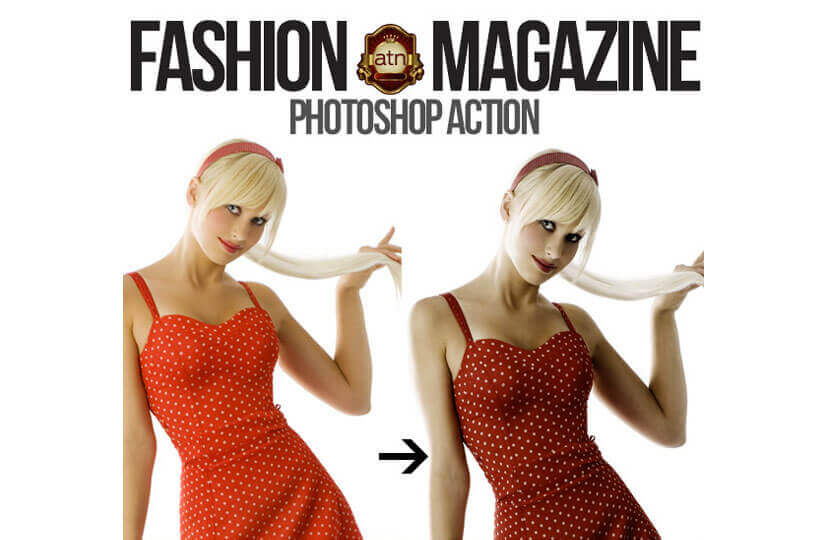
FREE photoshop Action – Give your photos a professional magazine look.
Install it it by loading into Photoshop – (Open the “actions” palette menu in the upper right corner of it, and choose “load actions”. Then load your image, click on the first step of the action and press “play”.)
Make sure that your photo is a single, flattened, RGB image named “Background” (in case your Photoshop is in different language, just rename it). It works with all kind of image, light, dark, hires and loses. This free photoshop action will enhance your images and photos in no time and give them that popular fashion look.
Scroll down for download

WORDPRESS CHILD THEME “STUDIO28”
CHECK OUT OUR AMAZING HORROR POSTER TEMPLATES




GET OUR MEGA 160 ITEM BUNDLE FOR ONLY $14 – OVER 75% OFF

ALSO CHECK OUT THESE FEW ITEMS
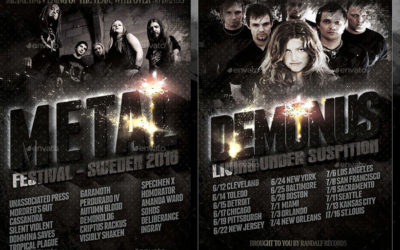
Awesome Heavy Metal Poster
This Heavy Metal Poster is VERY EASY TO USE - just follow few steps of instructions and present your music the way it deserves it. You work hard on your playing, recording, gigs. Now show that to the world the way you want to be perceived and remembered -...
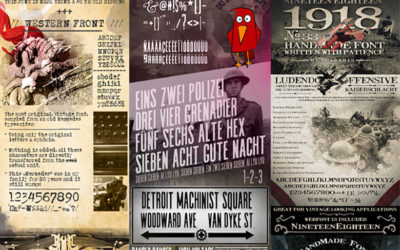
Vintage Fonts and How to Install them
Where to get Vintage Fonts and How to Install Them There are many places you can find awesome, old, vintage fonts. Starting at our own Scarab13's font portfolio, and then moving over dafonts, creativeartmarket, downloadsoho, creativmarket, font.com, myfonts.com,...
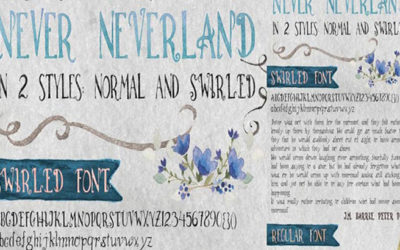
Free – Hand Written Font
FREE! - This hand made font comes in 2 versions: Regular Never Neverland and Swirled Never Neverland. You can install fonts by double clicking the .ttf or .otf font files. To use them, just open your application after you install the font, and it should be in your...
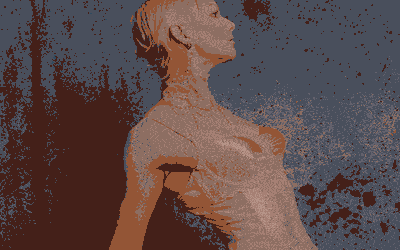
Video Slideshows made in Photoshop
CREATE VIDEO SLIDESHOWS AND ANIMATED GIFS IN PHOTOSHOP Now you can make beautiful Video Slideshows and animated Gifs directly in Photoshop, with no other tools required! Make wordpress-compatible video backgrounds for website headers, cool video effects, animated...
Cinemagraph Photoshop Action
CINEMAGRAPH is a living moment in an otherwise still photograph. It exists in the world in between a photograph and video to bring to life the image and make it last forever. It is usually several seconds long, and looping. My examples here are only 1 second long, yet...

Cinemagraph PS Action
A CINEMAGRAPH is a living moment in an otherwise still photograph. It exists in the world in between a photograph and video to bring to life the image and make it last forever. It is usually several seconds long, and looping. There are long tutorials on how to make...