TRENDING:

Stranger Things Editable Logo
Editable $100 Bill Template V2
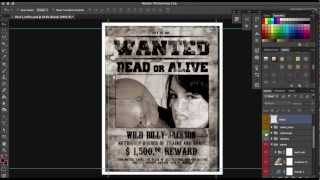
How to make a 2 Sided Fashion Design Card in Photoshop ...
  • BEST PRO RESOURCES
  • OUR HORROR ITEMS
  • OUR MEGA BUNDLE
  • PRO PHOTO ACTIONS
  • BEST WORDPRESS THEMES
Scarab13 Designs, Creative Resources for Masses
  • Home
  • Designs & Downloads
    • Posts & Designs
    • Animated PSD’s
    • CHALKBOARD GALLORE
  • Log In|Log Out
  • Registration
  • PS Video Tutorials

Select Page

How to make a 3D Cube Poster in Photoshop fast

Posted by admin | Jan 21, 2016 | scarab13tuts | 0 |

DOWNLOAD 500 OF OUR EXCLUSIVE CREATIVE TEMPLATE FILES HERE
DOWNLOAD

Share:

Rate:

PreviousHow to make a 3D Squares Poster – Photoshop Tutorial
NextHow to design in photoshop, fast without photoshop knowledge – Video tutorials – trailer

About The Author

admin

admin

Internationally awarded graphic / web designer, videographer and musician

Related Posts

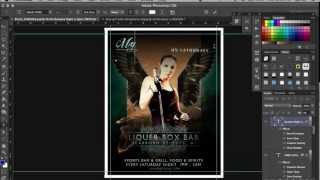
How to make a quick Party Poster Design in Photoshop  – Video tutorial

How to make a quick Party Poster Design in Photoshop – Video tutorial

February 11, 2016

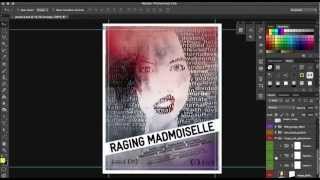
How to make Event Poster Design in Photoshop – Template

How to make Event Poster Design in Photoshop – Template

February 12, 2016

How to design a Hiphop Poster in Photoshop – Photoshop Template

How to design a Hiphop Poster in Photoshop – Photoshop Template

February 23, 2016

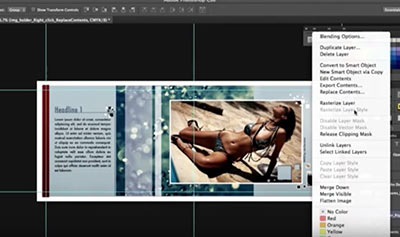
How to make a 2 Sided Fashion Design Card in Photoshop FAST

How to make a 2 Sided Fashion Design Card in Photoshop FAST

March 14, 2016

Recent Posts

  • 7 Layered Mockups with a Girl
    7 Layered Mockups with a Girl
  • Chalkboard Design Services
    Chalkboard Design Services
  • Snow Scene Photoshop Animation
    Snow Scene Photoshop Animation
  • wedding Poster
    wedding Poster
  • Free – Photoshop Action – Fashion Magazine
    Free – Photoshop Action – Fashion Magazine
  • Handmade Font ‘Bad Student’
    Handmade Font ‘Bad Student’
  • Animated Halloween Invitation Poster
    Animated Halloween Invitation Poster
  • Election Poster
    Election Poster

Designed by Elegant Themes | Powered by WordPress